How to Optimize Your Instagram & TikTok Bio Link for More Clicks
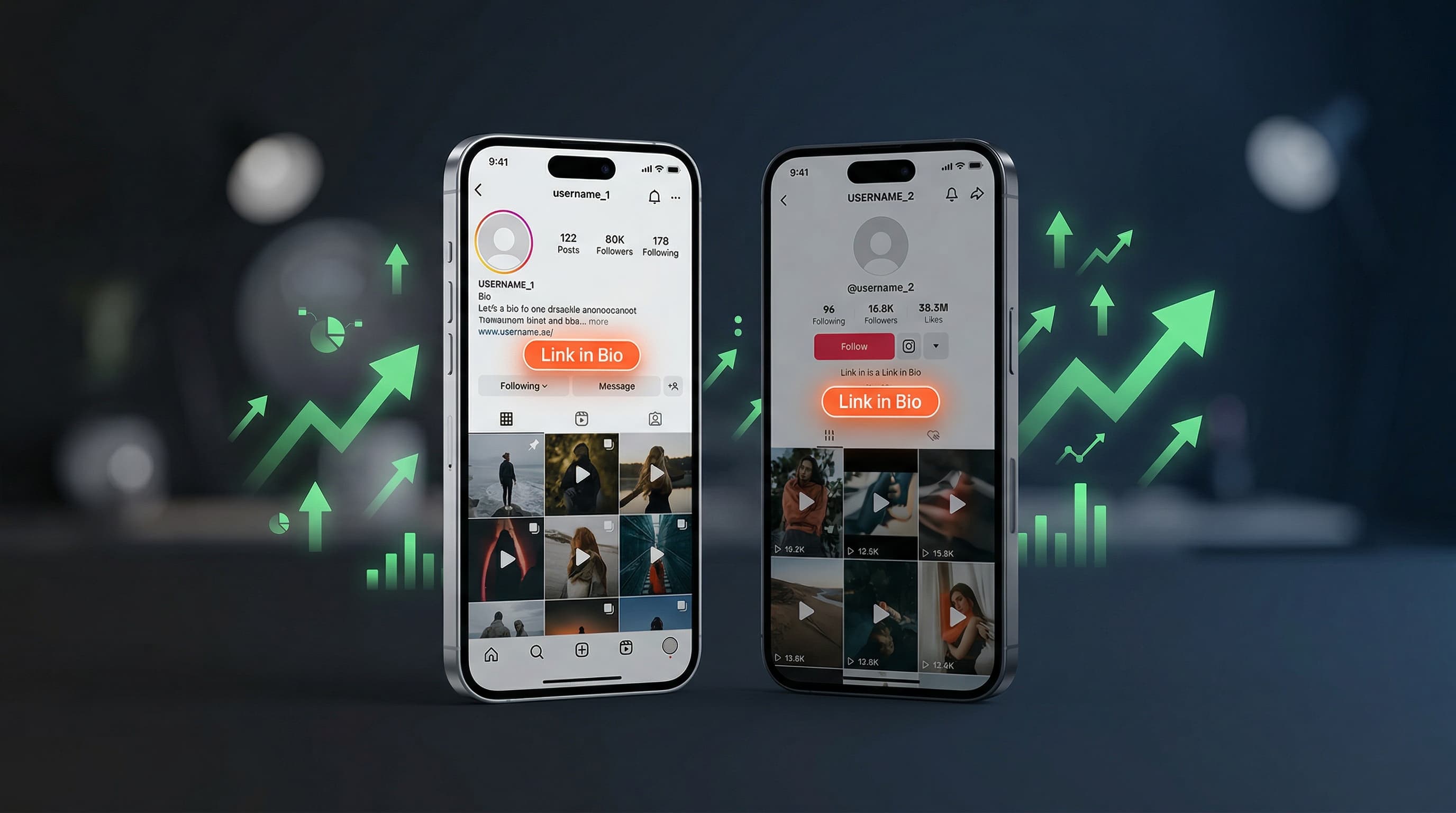
Optimizing your Instagram bio link and TikTok bio link means more than just placing a URL in your profile. The right combination of platform-specific CTAs, link ordering strategy, and UTM tracking can double or triple the click-through rate on your bio link page without changing a single piece of content you post.
Why Your Bio Link Optimization Strategy Must Be Platform-Specific
Instagram and TikTok audiences behave differently. Instagram users are accustomed to a deliberate tap-to-bio-link flow — they expect the bio to house useful links and they check it proactively when a post references it. TikTok users move faster, watch in a lean-back mode, and are less habitual about checking the bio. These behavioral differences demand different optimization approaches for each platform.
The good news: the underlying infrastructure — your bio link page — stays the same. What changes is how you present the call to action in your captions, how you order links on your page based on the audience coming from each platform, and how you measure performance using UTM parameters to attribute clicks by source.
Instagram Bio Link Optimization
The "Link in Bio" Mention Strategy
Instagram does not allow clickable links in post captions or comments. Every link you want to drive traffic to must route through your bio link. This constraint makes the phrase "link in bio" one of the most powerful calls to action in Instagram marketing — but only when used with precision.
Generic mentions like "link in bio for more" generate significantly fewer clicks than specific ones. Compare these two caption endings: "Link in bio" versus "Grab the free 5-day meal plan at the link in my bio — updated it this morning just for this post." The second version tells your audience exactly what they will find, creates a sense of freshness and exclusivity, and removes the uncertainty that prevents clicks.
Instagram Bio Text That Drives Traffic
Your Instagram bio has 150 characters and is one of the first things a new follower reads. This text should set up your bio link page as a valuable destination rather than an afterthought. The last line of your bio is prime real estate — use it as a direct prompt to your link.
- State your niche or value clearly in the first line
- Include a specific benefit or free resource you offer
- End with a direct prompt: "Free guide below" or "Latest drop linked below"
- Use an arrow emoji pointing down toward the link if your audience is used to this pattern
- Update this line when you are actively promoting something specific
Instagram Stories and the Bio Link
If you have the link sticker available on Instagram Stories (rolled out to all accounts regardless of follower count), use it consistently. But also maintain a habit of explicitly saying "I updated the link in my bio" in Stories whenever you change your top link on your bio page. Your most engaged followers watch Stories daily and will act on this prompt faster than any other audience segment.
Creators who pair Stories callouts with updated bio links consistently report 40 to 60 percent higher click-through rates in the 24 hours following a new post versus passive posting without any bio link mention. The combination of the in-post caption CTA and a Stories reminder creates two distinct opportunities to capture the same audience member's attention.
TikTok Bio Link Optimization
The TikTok Bio Link Behavior Challenge
TikTok's autoplay feed creates a passive consumption experience. Users are watching, not browsing. To drive them to your bio link, you need to interrupt that passive state — which means your video itself must provide a clear, compelling reason to take that extra step of visiting your profile and clicking a link.
The most effective TikTok bio link CTAs are either urgency-based ("This offer expires tonight — bio link") or resource-based ("I made a free template for this — it is in my bio"). Curiosity-based CTAs also perform well: "The full step-by-step is too long for TikTok — I wrote it out on my bio link page." These formulations give the viewer a concrete, differentiated reason to leave the video experience.
TikTok Video CTA Placement
Where in your TikTok video you place the bio link CTA affects whether viewers act on it. Testing across creator accounts consistently shows that mid-video CTAs (placed around the 70% mark of the video's total length) outperform CTAs placed only at the end. By the end of a TikTok video, a significant portion of viewers has already swiped away. A mid-video mention catches them while they are still engaged.
- Tease the resource or destination early — mention "I will share where to get this in a second" within the first 5 seconds to build retention
- Deliver the CTA at approximately 70% of the video's length — after the core value has been delivered but before the outro
- Reinforce in text overlay — add a text element on screen that says "Link in bio" with an arrow when you verbally give the CTA
- Include a final reminder in the last 2 seconds — a simple on-screen text or verbal "Bio link" keeps it top of mind as they scroll
- Pin a comment with the specific link description to help high-intent viewers confirm what is in the bio before visiting
TikTok Profile Optimization for Bio Link Traffic
Your TikTok bio has limited space, but the link placement is prominent. Unlike Instagram where the link sits below the bio text, TikTok displays the website URL as a clearly labeled field that stands out visually. Use your bio text to set context for what the link contains — not just who you are.
Instead of "Content creator | Foodie | Travel lover" try "Recipes tested in my home kitchen | Free meal plan linked below." The second version gives new visitors an immediate reason to tap the link rather than just follow the account.
Link Ordering Strategy: Which Links Deserve the Top Spot
The position of a link on your bio link page has an outsized effect on how many clicks it receives. Analytics data from bio link platforms consistently shows that the first link receives 3 to 5 times more clicks than the fifth link on the same page, holding all other factors equal. This means your link ordering decision is one of the highest-leverage optimizations you can make.
The Rotating Featured Link Strategy
Rather than keeping a fixed set of links in a permanent order, treat your first link slot as rotating prime real estate. Your featured top link should always reflect your current priority — whatever you want your audience to do most right now.
- New content drop: move the specific content link to the top and change the title to match the post's hook
- Active promotion: pin your product, offer, or event registration at the top for the duration of the campaign
- Newsletter push: when running a list-growth campaign, feature the signup at position one
- Collaboration: when you appear on a podcast, in a video, or in a co-created campaign, temporarily feature that collaborative link
- No active promotion: default to your most consistently performing permanent link at the top
Permanent Links That Should Always Be on Your Page
Beyond the rotating featured slot, most bio link pages benefit from a stable set of permanent links that represent your core audience relationship points. These sit in positions 2 through 5 and change infrequently.
- Newsletter signup — the highest-value destination for any creator with an owned audience
- Primary content platform — your YouTube channel, podcast feed, or Substack publication
- Main product or offer — your course, coaching service, digital product, or shop
- About or press page — for creators doing brand deals, a media kit or about page is a professional signal
- Contact or booking link — if you accept inquiries or bookings, a clear contact path reduces friction
Call-to-Action Best Practices for Bio Link Buttons
The title text on each link button is a micro-CTA that either compels a click or loses it. The difference between weak and strong button text is specificity and benefit orientation.
| Weak Button Text | Strong Button Text | Why It Works |
|---|---|---|
| YouTube | Watch: My complete editing workflow (25 min) | Tells visitor exactly what they will get and how long it takes |
| Newsletter | Join 8,000 creators — weekly marketing tips | Social proof + clear benefit + content type |
| Shop | My presets, templates, and tools | Specificity removes uncertainty about what is for sale |
| Podcast | Listen: How I grew 0 to 100K in 12 months | Tease the most compelling episode as an entry point |
| Contact | Work with me — brand partnerships open | Makes clear this is a professional inquiry channel |
| Blog | Free guide: 30 content ideas for this week | Free + specific benefit drives higher CTR than generic label |
UTM Tracking: Know Exactly Where Your Bio Link Clicks Come From
UTM parameters are short tags you add to the end of your destination URLs that tell analytics tools like Google Analytics or Plausible exactly where a click originated. For creators with a presence on multiple platforms, UTM tracking answers a question that is otherwise impossible to answer: which platform is actually driving traffic to your most important destinations?
How to Set Up UTM Parameters for Your Bio Links
A UTM-tagged URL looks like this: yourwebsite.com/newsletter?utm_source=instagram&utm_medium=bio&utm_campaign=spring_launch. The three most important parameters are utm_source (the platform), utm_medium (bio, story, or post), and utm_campaign (the specific promotion you are running).
- Decide on a consistent naming convention before you start — use lowercase, hyphens not spaces, and short descriptive names
- Create separate versions of each destination URL with different utm_source tags for each platform (instagram, tiktok, youtube, twitter)
- Use a UTM builder tool (Google's Campaign URL Builder is free) or build the tags manually
- Paste the UTM-tagged URLs into your Viopage link fields rather than the bare destination URL
- Connect your destination website to Google Analytics 4 to receive the UTM data
- After 2 to 4 weeks, review the Acquisition report in GA4 to see which platform drives the most valuable traffic
Note: UTM parameters track clicks to your destination pages, not to your Viopage bio link page itself. For data about who is visiting your Viopage profile and which links are getting clicked, use the built-in Viopage analytics dashboard — it provides this data natively without any UTM setup required.
Ready to build your professional link-in-bio? Start your 7-day free trial with Viopage and get the analytics tools you need to optimize your Instagram and TikTok bio link performance.
Start free trialUsing Viopage Analytics to Optimize Your Bio Link Performance
Viopage's built-in analytics dashboard gives you the platform-level data you need without any external setup. From the Analytics tab in your dashboard, you can see total page views over time, per-link click counts for every link on your page, which countries your visitors come from, and the split between mobile and desktop traffic.
This data drives your optimization decisions directly. If a link in position 3 is consistently outperforming your top link, consider swapping their order — the position 3 link may be more compelling to your current audience than the one you assumed should be first. If you see a geographic cluster in your analytics that you were not aware of, that information has value when pitching brands or planning content.
The Weekly Bio Link Audit Habit
Set aside 5 minutes each week to review your bio link analytics. Ask three questions: Which link got the most clicks this week? Which link got the fewest? Is my top link still the best use of that prime position? These three questions — answered consistently over months — compound into a significantly more effective bio link page than one that was set up and never revisited.
Common Instagram and TikTok Bio Link Mistakes to Avoid
- Posting content without a bio link CTA — if you want bio link traffic, you have to ask for it explicitly
- Leaving the same top link for months — a stale featured link communicates that your bio page is not worth checking
- Using the platform name as the button title — "Instagram" is not a CTA; "Follow me on Instagram — daily behind-the-scenes" is
- Having too many links — more than 10 links creates decision paralysis and reduces overall click rate
- Ignoring analytics — posting more content is less effective than optimizing based on what is already working
- Using the same UTM source tag for different platforms — you lose the attribution data that tells you which platform is actually performing
- Forgetting to update your bio link when you change social handles — a broken link in your profile undermines trust
Putting It All Together
Optimizing your Instagram bio link and TikTok bio link is an ongoing process, not a one-time setup. The creators who get the most out of their bio link pages are those who treat the page as a living part of their content strategy: updating the featured link with every new promotion, testing CTA language in captions, reviewing analytics weekly, and consistently mentioning the bio link explicitly rather than hoping their audience discovers it.
The infrastructure to do all of this well — a fast-loading page, a clean drag-and-drop editor, meaningful analytics, and professional visual design — is exactly what Viopage is built to provide. When your link page looks professional, loads instantly, and shows you exactly which links drive the most value, optimization becomes intuitive rather than guesswork.
Frequently Asked Questions
Related Posts
Link-in-Bio Analytics: Which Metrics Actually Matter?
A clear guide to link-in-bio analytics: views vs clicks, CTR benchmarks, geographic data, and device breakdown. Learn which metrics to track and why.
TUTORIALHow to Build a Professional Bio Link Page (No Coding Required)
Step-by-step guide to building a professional bio link page with Viopage. No coding needed — go from signup to a live, branded page in under 10 minutes.
STRATEGY5 Ways to Monetize Your Link-in-Bio as a Creator
Turn your bio link into a revenue channel. Affiliate links, digital products, coaching, sponsorships, and tip jars — plus how to track earnings with Viopage analytics.
Start building your link in bio today
Join 60,000+ creators who trust Viopage. 7-day free trial, no commitment.
Start free trial