What Is a Link-in-Bio Tool? The Complete Guide for Creators
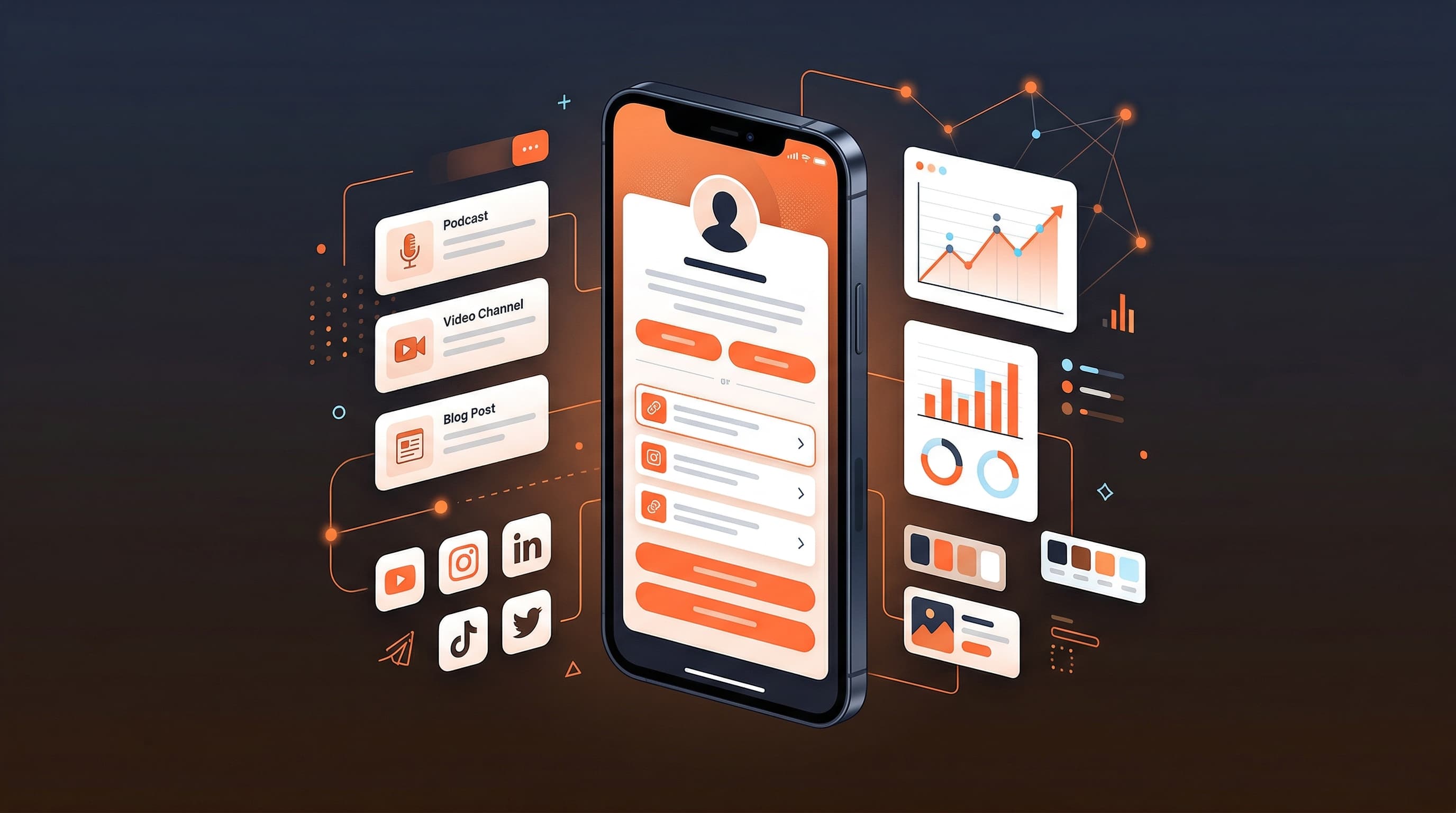
A link-in-bio tool is a micro-landing page that lives at a single URL and houses all of your most important links in one place. Because most social platforms only allow one clickable link in your profile, a bio link page builder solves that constraint by letting followers find your content, products, and channels with a single tap.
The Problem That Created an Entire Industry
Instagram launched in 2010 with a single-link restriction in the bio field. The rule was simple: one URL, no clickable links in captions. What started as a minor platform constraint became a genuine pain point as creators began juggling YouTube channels, newsletters, shops, podcasts, and collaborations — each demanding its own URL.
TikTok adopted the same model. Twitter (now X) gives users one profile URL slot that most people ignore. Even Pinterest and LinkedIn treat the bio link as an afterthought. The result: every creator needed a way to point followers from a single link to their entire digital footprint. That need gave birth to the link-in-bio tool category.
Today, link-in-bio tools are a standard part of the creator toolkit. Whether you have 500 followers or 5 million, a well-built bio link page builder gives you a central hub that you own and can update at any time without changing the link in your profile.
What a Link-in-Bio Tool Actually Does
At its most basic, a link in bio tool hosts a page at a URL like viopage.com/yourname. That page shows your profile photo, a short bio, and a list of clickable links. But modern bio link page builders have evolved far beyond that original premise.
A good link in bio tool today functions as a mini-website for your personal brand. It gives you control over visual design, link organization, analytics, and the overall experience your audience has when they tap through from your social profile. The difference between a basic tool and a professional-grade platform shows up most clearly in three areas: visual customization, analytics depth, and performance.
Core Features Every Link-in-Bio Tool Should Have
- Unlimited links with custom titles and URLs
- Profile photo, display name, and bio text
- Mobile-optimized layout that loads fast
- Link reordering via drag and drop
- Social media profile icons for your main platforms
- Basic click tracking to see which links perform
- HTTPS on your profile URL for security
Advanced Features That Separate Good Tools from Great Ones
- Premium themes with full visual customization
- Advanced analytics: geographic data, device breakdown, trends over time
- Custom domain support so your URL reflects your brand
- QR code generation for offline-to-online traffic
- Branding removal so only your content is on display
- Fast page load without third-party ad scripts
- Live preview editor so you see changes before publishing
Why Every Creator Needs a Bio Link Page
The argument for using a link in bio tool is straightforward: you cannot control the platforms you post on, but you can control the hub you send your audience to. Social platforms change their algorithms, restrict reach, shut down accounts, and modify features without warning. A creator who drives all their audience to their bio link page owns that relationship regardless of what happens on any individual platform.
Consider a working creator's typical scenario. They publish content across Instagram Reels, TikTok, and YouTube Shorts. They sell a digital course, run a newsletter, accept brand sponsorship inquiries, and sell merchandise. That is at minimum five distinct destinations — and they have exactly one link slot to work with on each platform. Without a bio link page, they are forced to rotate links constantly and lose traffic every time they forget to update.
I used to change my Instagram bio link every time I published something new. Half my audience clicked when the link was already outdated. A single bio link page solved that problem overnight — now the link never changes and the content always stays current.
Beyond the practical link-management argument, a professional bio link page signals credibility. When a brand manager or potential collaborator taps your bio link and lands on a well-designed, fast-loading page with your brand colors, professional photo, and clearly organized content, that first impression matters. A profile that routes to a cluttered or generic-looking page sends the opposite signal.
Who Uses Link-in-Bio Tools?
The short answer: anyone with a social media presence who has more than one thing to link to. In practice, the heaviest users of bio link page builders fall into a few distinct categories.
- Content creators — YouTubers, TikTokers, Instagram creators, podcasters, and streamers who manage multiple content destinations
- Independent musicians — linking streaming profiles, ticket sales, merch stores, and press kits from a single bio
- Small business owners — restaurants, boutiques, and service providers who need to link their menu, booking page, and social channels
- Coaches and course creators — routing audience from social to their coaching offer, free resources, and community
- Authors and journalists — connecting readers to their book, newsletter, author bio, and past articles
- Freelancers and consultants — presenting a clean portfolio of services, case studies, and contact links
- Nonprofit and cause-driven creators — organizing donation links, event registrations, and resource libraries
How Link-in-Bio Analytics Change the Game
One of the most underutilized aspects of a modern link in bio tool is the analytics layer. A basic tool tells you that your link got clicks. A professional-grade bio link page builder tells you which specific links were clicked, how many people viewed your page but did not click, where in the world your audience is located, and whether they are browsing on a phone or a desktop.
That data changes how you make decisions. If you discover that 85% of your audience clicks your link in bio from a mobile device, you will design your page differently — larger tap targets, shorter link titles, more visual spacing. If you see that a specific link is consistently outperforming others, you will prioritize it by placing it higher on the page or featuring it more prominently in your captions.
Geographic data is particularly valuable for creators planning brand partnerships. If your analytics show that 60% of your profile views come from a specific country, that information has real commercial value when negotiating with brands who target that market. A bio link page builder that provides this level of insight becomes a business intelligence tool, not just a link aggregator.
Understanding Click-Through Rate on Your Bio Link Page
Click-through rate (CTR) on a bio link page is the percentage of page visitors who click at least one link. Industry benchmarks vary widely based on niche, audience size, and how actively a creator promotes their bio link in content. A CTR between 20% and 40% is typical for a well-optimized page with an engaged audience. Pages above 50% CTR generally belong to creators who actively drive traffic to specific links in their posts.
Several factors influence CTR on a bio link page. Link placement matters — the first two links on a page almost always receive the most clicks. Link title clarity matters — vague button text like "Click here" dramatically underperforms compared to specific, benefit-driven text like "Download my free editing preset pack." Visual design matters too — a cluttered page with 20 links generates less engagement per link than a focused page with 5 to 8 clearly labeled options.
The Anatomy of a High-Performing Bio Link Page
Studying thousands of high-performing creator profiles reveals consistent patterns. The best bio link pages share a small set of characteristics that maximize both the first impression and the long-term click performance.
- A clear, high-quality profile photo that matches your social presence — consistency builds recognition
- A concise bio (1–2 lines) that states your niche and gives visitors a reason to explore
- Between 5 and 10 links maximum — more than that and visitors experience decision paralysis
- A primary featured link at the top, refreshed when you publish something new
- Specific, action-oriented link titles rather than platform names alone
- Social profile icons below the main links for secondary discovery
- A visual design that matches your brand identity — same color palette, similar typography
- Fast page load — every second of delay reduces click-through rate by roughly 7%
How to Choose the Right Link-in-Bio Tool for Your Needs
The market for link in bio tools has expanded considerably since Linktree launched in 2016. Evaluating options requires looking beyond brand name recognition toward the specific features that matter for your use case. Here is the framework we recommend for making the decision.
Feature Checklist for Choosing a Bio Link Page Builder
| Criterion | Why It Matters | What to Look For |
|---|---|---|
| Visual customization | Your bio page is your brand's first impression | Theme variety, color control, font options, button styles |
| Analytics depth | Data drives better decisions about content and positioning | Per-link clicks, geographic data, device breakdown, trends |
| Custom domain support | Owning your URL protects your brand if you ever switch tools | Included in base price, not gated behind a premium tier |
| Page speed | Slow pages lose clicks before visitors ever see your links | No bloated third-party scripts, fast CDN delivery |
| Branding removal | Platform branding on your profile dilutes your brand | Full branding removal at the lowest paid tier |
| Pricing transparency | Hidden feature tiers create frustration | Single pricing tier with all features included |
| Mobile editor | You should be able to update your page from your phone | Full editing capability on mobile, not just view-only |
| Trial or free evaluation | You need to test the product before committing | Full-feature trial that shows you exactly what you are paying for |
How to Set Up Your First Bio Link Page with Viopage
Viopage is a link in bio tool built specifically for creators who want a professional presence without wrestling with complicated setups. The entire onboarding process takes under ten minutes, and your profile is live the moment you finish. Here is the step-by-step process.
- Go to viopage.com/register and sign up with your email address — no credit card required to begin the 7-day free trial
- Choose your username carefully — this becomes your permanent profile URL (viopage.com/yourname), so pick something that matches your social handles
- Upload your profile photo from the Content tab — the editor accepts common image formats and lets you reposition the crop
- Add your display name and a short bio that tells visitors who you are and what you do
- Add your links using the link editor — give each link a clear, specific title and the full destination URL
- Reorder your links by dragging them into priority sequence — put your most important link at the top
- Add social icons for the platforms where you are most active — these appear below your links as recognizable icons
- Open the Design tab and select a theme from the 12 premium presets, then customize colors, fonts, and button styles using the live preview
- Copy your profile URL from the dashboard and update the link in all your social media bios
- Check your analytics dashboard after 24 hours to start seeing your first traffic and click data
The most important step is keeping your bio link page current. Every time you launch a new product, publish a major piece of content, or run a campaign, update your featured link to reflect that. A stale top link is the single biggest cause of poor CTR on bio link pages.
Ready to build your professional link-in-bio? Start your 7-day free trial with Viopage and get access to all 12 premium themes, advanced analytics, custom domain support, and QR code generation.
Start free trialCommon Mistakes Creators Make with Their Bio Link Page
After reviewing hundreds of creator profiles, a handful of recurring mistakes emerge that consistently hold back click-through rates. Avoiding these from the start puts your bio link page in the top tier of professional creator profiles.
- Adding too many links — aim for 5 to 8 focused links rather than every URL you have ever used
- Using vague link titles — "My YouTube" is weaker than "Watch: How I edited this viral video in 20 minutes"
- Never updating the featured link — your most recent, most relevant content should always be at the top
- Ignoring analytics — checking your data weekly reveals which links deserve more visibility
- Mismatching visual design — if your Instagram is warm and earthy, your bio page should not be cold and corporate
- Using a slow or ad-heavy tool — every second of load time costs you clicks and audience trust
- Forgetting mobile optimization — over 80% of bio link page traffic comes from mobile devices
Link-in-Bio Tools vs. Personal Websites: Which Do You Need?
A common question creators ask is whether they need a personal website in addition to a bio link page, or whether one replaces the other. The honest answer is that they serve different purposes and most serious creators eventually want both.
A bio link page is optimized for mobile traffic arriving from social media. It loads instantly, presents your most important links in a scannable format, and is designed to drive immediate action. A personal website is optimized for search engine discovery, provides deep-dive content like a portfolio, case studies, or blog posts, and establishes long-term SEO authority.
The practical recommendation: start with a high-quality bio link page and link it to your existing social profiles immediately. Build a personal website when you have consistent content to publish there and can invest the time in maintaining it. In the meantime, your bio link page does the heavy lifting for converting social followers into newsletter subscribers, customers, and collaborators.
The Future of Link-in-Bio Tools
The link-in-bio category has matured from simple link aggregators into full creator infrastructure. The trajectory points toward tighter integration with creator revenue streams — embedding products, memberships, and digital downloads directly into the bio link page experience rather than routing visitors to separate storefronts.
Analytics will deepen. Geographic data and device breakdowns are table stakes today; the next wave will bring attribution data connecting specific social posts to specific link clicks, helping creators understand exactly which content format drives the most valuable traffic. The best bio link page builders are already building toward this future.
For creators choosing a link in bio tool today, the right question is not just which platform has the most features right now, but which platform is actively building toward where the creator economy is heading. Look for transparent roadmaps, responsive support, and a pricing model that rewards your growth rather than taxing it.
Key Takeaways
- A link-in-bio tool solves the single-link constraint on social platforms by hosting all your important links at one URL
- Professional bio link page builders offer visual customization, analytics, custom domains, and QR codes beyond the basics
- Analytics data from your bio link page gives you insights about audience behavior that directly inform your content strategy
- The best pages have 5 to 8 focused links with specific, action-oriented titles and a design that matches your brand
- Keep your featured link current — updating it whenever you publish something new is the highest-impact change you can make
Frequently Asked Questions
Related Posts
7 Best Link-in-Bio Tools for Creators in 2026
The 7 best link-in-bio tools for creators in 2026 ranked by features, analytics, pricing, and design quality. Find the right bio link page builder.
TUTORIALHow to Build a Professional Bio Link Page (No Coding Required)
Step-by-step guide to building a professional bio link page with Viopage. No coding needed — go from signup to a live, branded page in under 10 minutes.
COMPARISONViopage vs Linktree: Features, Pricing & Which Is Best in 2026
Viopage vs Linktree compared: features, pricing, analytics, and custom domains. Find out which link-in-bio tool is best for creators in 2026.
Start building your link in bio today
Join 60,000+ creators who trust Viopage. 7-day free trial, no commitment.
Start free trial