Link-in-Bio with QR Code: Bridge Offline and Online Marketing
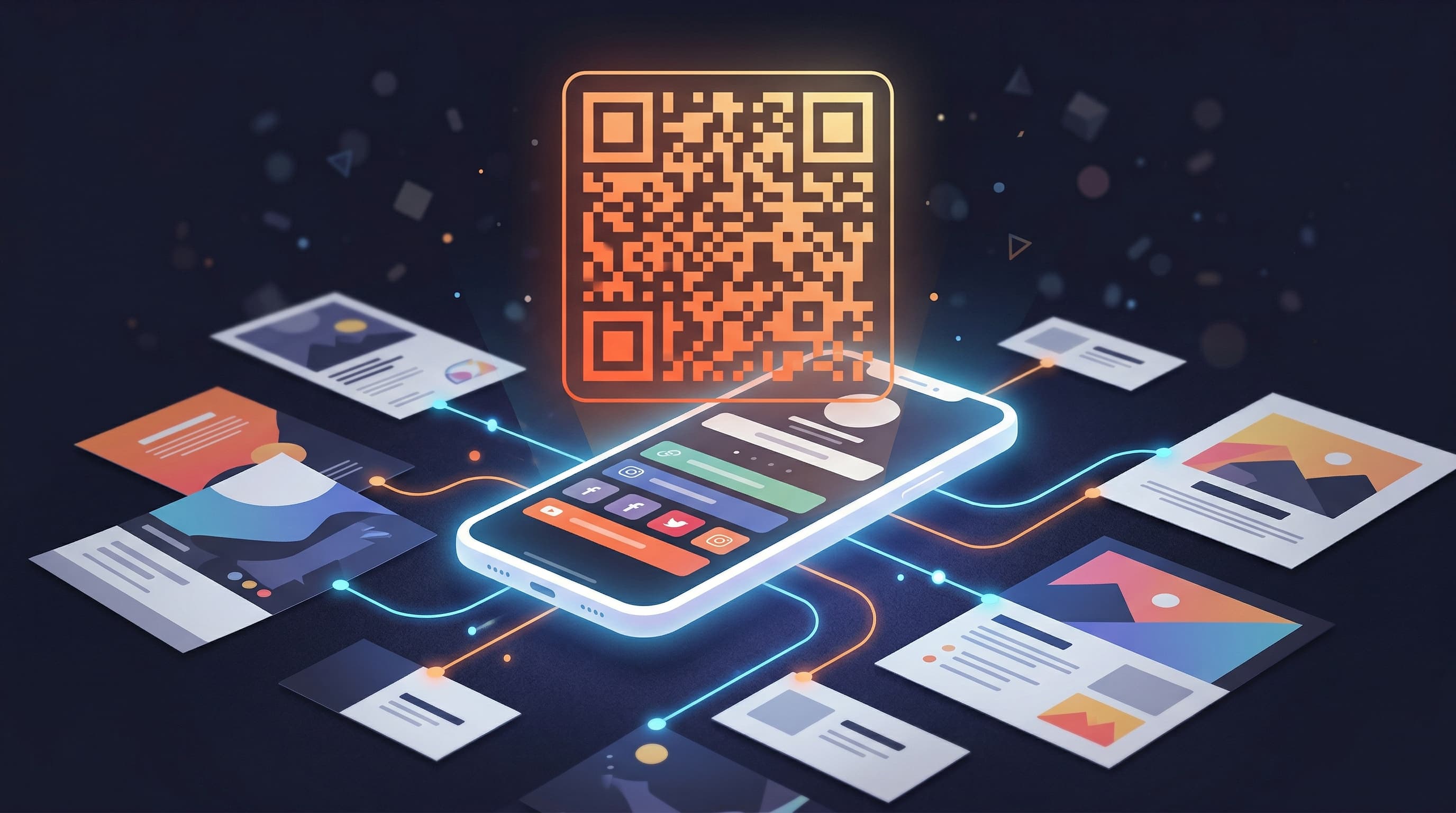
A link-in-bio with QR code means anyone who encounters you in the physical world — at an event, on a business card, on product packaging, or in a printed flyer — can reach your full online presence instantly without typing a URL. QR codes have become the standard bridge between offline and online marketing, and pairing one with a well-designed link-in-bio page creates a single, trackable destination for every channel you operate in.
Why QR Codes Are Back — and More Valuable Than Ever
QR codes were invented in 1994 and spent two decades as a niche technology that consumers largely ignored. The pandemic changed that permanently. Contactless menus, check-in systems, and information sharing in 2020–2021 trained hundreds of millions of people to point their phone cameras at QR codes as a natural reflex. Today, smartphone cameras open QR codes natively without any app — a seamless user experience that removed the final barrier to adoption.
For creators and businesses, this behavioral shift created a new channel: anywhere you have physical presence, you now have a cost-effective way to drive digital action. The combination of ubiquitous QR scanning behavior and a well-optimized link-in-bio page means your offline touchpoints can convert into online engagement with the same efficiency as your social media posts.
6 High-Value Use Cases for a Link-in-Bio QR Code
1. Business Cards
A business card with a QR code that links to your creator profile page is far more powerful than a card with a single website URL. Instead of sending someone to a static homepage, your QR code delivers your full digital identity in one scan: your latest links, your social platforms, your current offers, and your contact options. When someone scans your QR code a week after meeting you at a networking event, they get your current priorities — not a URL that may have changed.
2. Event Talks and Presentations
If you speak at conferences, workshops, podcasts, or live events, putting your QR code on the final slide of your presentation is one of the highest-conversion moments in your entire creator calendar. The audience is engaged, they want to follow up, and they have their phones in hand. A single QR code slide eliminates the fumbling of typing a URL while the presentation is being closed down.
3. Product Packaging
Creators who sell physical products — merchandise, artisan goods, printed materials, cosmetics — have a premium opportunity with packaging QR codes. A buyer who has purchased your product is already your warmest possible audience member. A QR code on the packaging that takes them to your link-in-bio page (with your community, your newsletter signup, and your next product prominently featured) converts at a dramatically higher rate than any cold-traffic channel.
4. Print Materials and Flyers
Whether you distribute flyers at a local event, post promotional materials in a coffee shop, or include inserts in shipments, print materials are a channel where QR codes do the heavy lifting. A well-designed QR code with your brand name below it and a single call to action — 'Scan to follow along' or 'Scan for exclusive content' — turns a static print piece into a conversion channel.
5. Merchandise and Branded Items
A QR code printed on a tote bag, a sticker, or a piece of branded merchandise creates a walking advertisement for your online presence. Every person who sees someone carrying your branded item with a QR code has a one-tap path to your creator profile page. This is particularly powerful for creators with dedicated fan communities where merchandise ownership is a statement of identity.
6. Retail and Restaurant Environments
If you sell in retail, operate a physical business, or appear in brick-and-mortar contexts — a cooking creator with a pop-up shop, a fitness creator running a studio, an artist selling at a gallery — a QR code display at the point of sale converts in-person interest into digital follows at exactly the moment when that interest is highest.
How Viopage Generates Your Link-in-Bio QR Code
Viopage generates a downloadable QR code for every creator profile automatically. There is no third-party QR code generator to visit, no separate tool to manage, and no additional fee. Your QR code is built into the platform and links directly to your profile page — or to your custom domain if you have one configured.
The QR code is downloadable as a high-resolution file suitable for both digital use (social posts, email footers, website embeds) and print production (business cards, flyers, packaging). High resolution is critical for print — a low-resolution QR code that appears clear on screen can fail to scan when printed at larger sizes because the pixel density drops below the threshold that camera QR readers require.
I printed my Viopage QR code on 500 business cards before a conference. By the end of the three-day event I had 180 new followers across my platforms and 40 new newsletter signups — from people I had spoken to for 5 minutes. Nothing I have ever done in-person has converted that quickly.
Get your built-in link-in-bio QR code with Viopage. Start a 7-day free trial — QR code generation, 12 premium themes, advanced analytics, and custom domain support all included.
Get your QR codeTracking QR Code Scans with Link-in-Bio Analytics
Generating a QR code is only half the value. Knowing how many people scan it — and what they do after — is what makes QR codes a serious marketing channel rather than a vanity metric. Viopage's analytics dashboard tracks every profile view and link click, which means every QR code scan that results in a profile visit is captured in your analytics data.
You can see total profile views over time, which increases in the days following an event where you distributed QR codes are easy to identify. Per-link click counts show you what QR code visitors do once they arrive on your profile — which links they engage with and which they ignore. Geographic data can help you identify which markets or regions your offline activities are generating digital traffic from.
Using UTM Parameters for Campaign-Level Tracking
For creators who want to isolate QR code traffic specifically from other bio link traffic, appending a UTM parameter to your profile URL before generating the QR code is a useful technique. For example, linking the QR code to viopage.com/yourname?utm_source=business-card&utm_medium=qr allows any analytics tool (including Google Analytics if installed) to separate business card scans from organic social traffic. This granularity helps you evaluate the ROI of individual offline marketing investments.
Design Best Practices for Your QR Code
A QR code that does not scan is worse than no QR code at all — it creates frustration and breaks trust. These design principles ensure your link-in-bio QR code works reliably across every use case:
- Minimum print size: QR codes should be at least 2.5 cm x 2.5 cm (1 inch x 1 inch) when printed. Smaller sizes can fail to scan at normal camera distances.
- High contrast: Black on white is the most reliably scannable combination. Avoid light-on-light or dark-on-dark color combinations.
- Clear quiet zone: Maintain a border of white space around the QR code equal to at least 4 modules (the small squares that make up the code). Do not let other design elements intrude on this zone.
- Test before printing: Always scan the final QR code in your print-ready file before sending to production. Use multiple devices and both iOS and Android cameras.
- Add a call to action: A short text label below the QR code — 'Scan to follow,' 'Scan for my links,' or your URL as text — increases scan rates by giving viewers a reason to act.
- Avoid over-stylization: Heavily styled or branded QR codes can fail to scan if the customization interferes with the underlying data pattern. If you stylize, test rigorously.
Comparing QR Code Features Across Link-in-Bio Platforms
| Feature | Viopage | Linktree | Third-Party QR Tools |
|---|---|---|---|
| Built-in QR generation | Yes — included on all plans | Not available on free tier | Yes — separate tool required |
| High-resolution download | Yes | Limited on free tier | Yes (paid tiers) |
| Links to your profile page | Automatic — no URL entry needed | Manual setup required | Manual URL entry required |
| Scan analytics | Yes — via profile view tracking | Limited | Yes (paid tiers only) |
| Custom domain support | Yes — QR links to your domain | Paid plan required | Yes — but managed separately |
| Additional cost | Included in Pro (€9/month) | Requires paid upgrade | $5–$20/month additional tool |
Putting It All Together: Offline to Online Funnel
The most effective use of a link-in-bio QR code is as part of a deliberate offline-to-online conversion funnel. Here is how a creator might structure this end-to-end:
- Attend an event, conference, market, or any in-person context where your target audience is present.
- Distribute a physical touchpoint with your QR code — business cards, flyers, a branded item, a table display, or a presentation slide.
- The QR code leads to your Viopage profile page, which is currently optimized for the most relevant conversion goal (newsletter signup, product purchase, community join).
- Viopage analytics capture the traffic spike from the event, giving you data on how many people engaged.
- Your first link (the primary CTA) captures the most motivated visitors into your owned audience — email list, community, or direct purchase.
- You follow up with that new audience via email, community content, or direct message to continue the relationship that started in person.
The power of this funnel is that it turns every in-person interaction into a measurable, trackable digital event. Instead of handing someone a business card and hoping they remember to look you up, you give them a one-tap path to your full online world — and your analytics show you exactly how many of them took it.
Start using Viopage for your link-in-bio QR code strategy. Every Pro account includes built-in QR generation, full analytics, 12 premium themes, and a 7-day free trial.
Start free trialFrequently Asked Questions
Related Posts
What Is a Link-in-Bio Tool? The Complete Guide for Creators
Everything creators need to know about link-in-bio tools: what they are, why you need one, and how to choose the right bio link page builder.
GUIDELink-in-Bio Analytics: Which Metrics Actually Matter?
A clear guide to link-in-bio analytics: views vs clicks, CTR benchmarks, geographic data, and device breakdown. Learn which metrics to track and why.
GUIDEWhy Your Link-in-Bio Needs a Custom Domain (And How to Set It Up)
A custom domain link page builds brand trust, improves SEO, and removes third-party branding. Learn why it matters and how to set one up on Viopage.
Start building your link in bio today
Join 60,000+ creators who trust Viopage. 7-day free trial, no commitment.
Start free trial