How to Create a Creator Profile Page That Converts
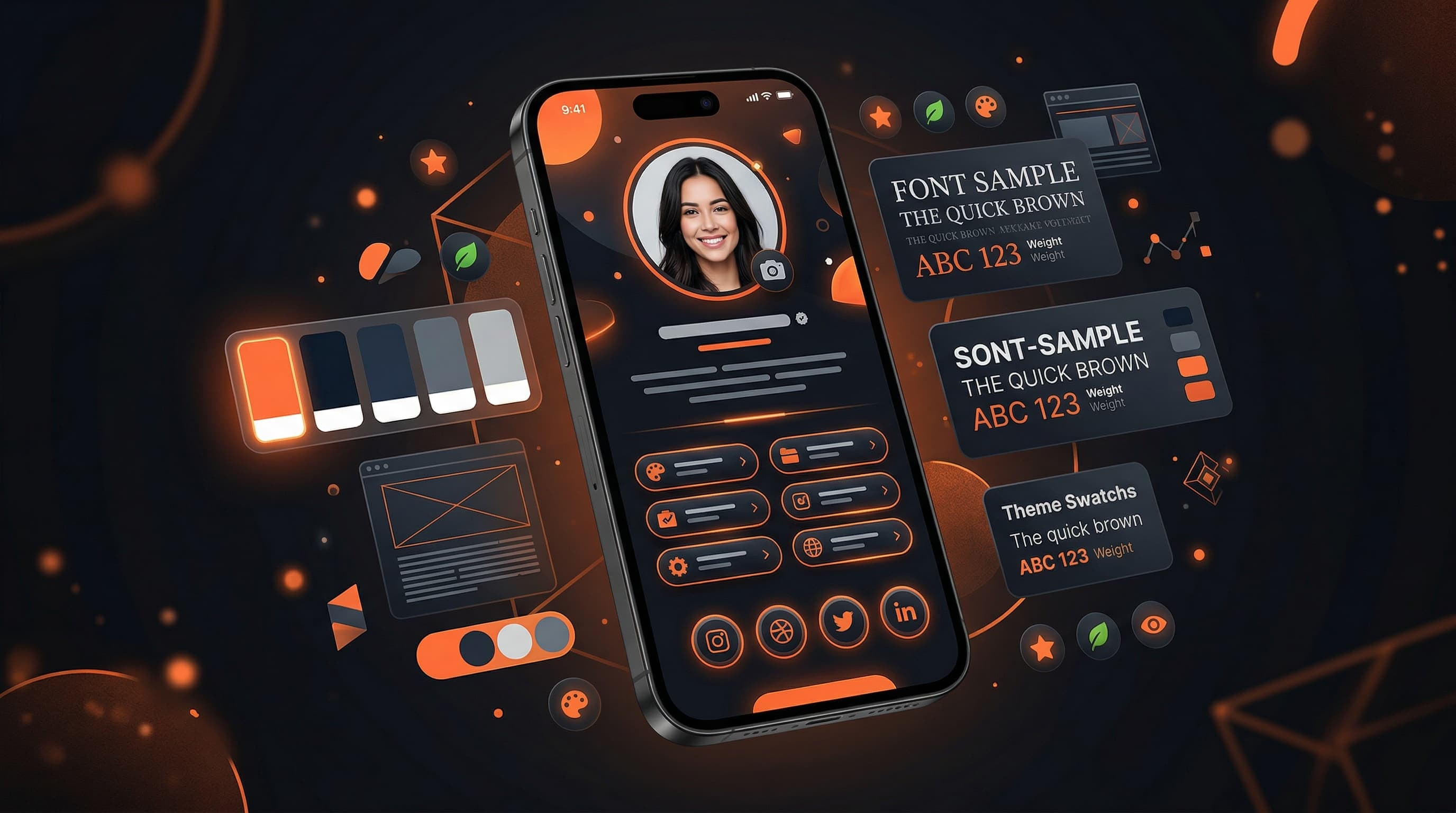
A creator profile page that converts does four things in under five seconds: it communicates who you are, shows your audience what they can do next, earns immediate visual trust, and removes any friction from clicking. Most bio link pages fail on at least two of those criteria. This guide walks through every element — above the fold, link ordering, theme selection, CTAs, and social proof — so your profile page works as hard as you do.
Why Your Creator Profile Page Is Your Most Important Landing Page
Your bio link is the only clickable URL on Instagram and TikTok — the two platforms that collectively drive the majority of creator traffic. Every post, every Reel, every caption that says 'link in bio' is directing your audience to a single destination. Unlike a full website with multiple entry points, your creator profile page has one job: convert curious profile visitors into engaged audiences, subscribers, customers, or fans.
Yet most creators treat this page as an afterthought — a quick list of links set up once and left unchanged for months. The creators who consistently outperform their peers treat their profile page as a living marketing asset, updated with the same intentionality as their content strategy. Small optimizations to this page compound over time because every post you publish sends traffic there.
Above-the-Fold Optimization: What Visitors See First
The above-the-fold section of your creator profile page — the area visible before any scrolling — is your prime real estate. On mobile (where the vast majority of bio link traffic arrives), this typically means your profile photo, display name, bio text, and the first one or two links. Everything in this zone must earn its place.
Profile Photo
Your profile photo should be the same image you use as your main social avatar. Consistency across platforms reduces the cognitive load on your audience — they recognize you instantly. Use a high-resolution square or circular crop with your face clearly visible at small sizes. Abstract logos and landscape photos underperform because they do not create personal connection.
Display Name
Use the name your audience knows you by — which may be your real name, your handle, or your brand name. If you go by a handle on TikTok and Instagram, use that same identifier here. Consistency removes the micro-confusion that causes visitors to wonder whether they have landed on the right page.
Bio Text
Your bio text on a creator profile page has more room than your Instagram bio (which caps at 150 characters). Use that space strategically: one sentence for what you do, one sentence for who you serve, and optionally one sentence for your primary value proposition or current offer. A bio like 'Travel photographer | Weekly photo essays | Latest adventure: Southeast Asia 2026' communicates role, content type, and current context in three fragments.
Link Ordering Psychology: Putting the Right Link First
The order of links on your creator profile page directly determines which actions your audience takes. Eye-tracking research on list-style interfaces consistently shows that the first item receives disproportionately more attention than subsequent items — a pattern known as the primacy effect. Your most important link should always be first.
What counts as 'most important' depends on your current goal. If you are promoting a new product launch, that link goes first. If your primary goal is newsletter growth, your signup link sits at position one. If you are running a course enrollment window, that conversion link leads the list. The mistake most creators make is arranging links by permanence (YouTube channel first because it always exists) rather than by current priority.
- Position 1: Your current highest-priority conversion goal (product launch, newsletter signup, course enrollment, latest video).
- Position 2: Your main content platform or most-visited destination (YouTube channel, podcast, primary blog).
- Position 3-4: Secondary content destinations or evergreen resources your audience returns to.
- Position 5+: Supporting links — merch, community, older resources — that are useful but not urgent.
- Social icons: Platform links that you do not want taking up full link slots but still want accessible.
Viopage's drag-and-drop link editor makes reordering frictionless — you can reorganize your links in seconds when you launch something new. This flexibility encourages creators to treat link ordering as a dynamic decision rather than a one-time setup choice.
Theme Selection: Visual Trust in Under 2 Seconds
Human visual processing makes brand judgments in milliseconds. A well-chosen theme on your creator profile page signals professionalism before a visitor reads a single word. Viopage offers 12 professionally designed theme presets — Midnight, Ocean Breeze, Sunset, Rose Gold, Forest, Lavender Dream, Minimal, Neon, Cream, Electric Blue, Charcoal, and Viopage Default — each built as a complete visual system rather than just a background color.
Matching Theme to Content Category
Different creator categories carry different visual expectations. A fitness creator pairing their profile with the Electric Blue or Midnight theme signals energy and focus. A lifestyle or wellness creator choosing Rose Gold or Lavender Dream communicates warmth and approachability. A tech or business creator selecting Minimal or Charcoal communicates authority and precision. These are not rigid rules, but they reflect the visual language that audiences in each category already respond to.
Extending Your Existing Brand Identity
If you already have a color palette — from your YouTube channel art, your website, or your Instagram aesthetic — choose the Viopage theme that comes closest and then customize it. Every theme preset in Viopage is fully editable: background color, button color, button style (solid, outline, or ghost), button corner radius (square, rounded, or pill), shadow weight, and font from 10 curated options. Start with the closest preset and tweak, rather than building from a blank canvas.
CTA Placement: Driving the Action You Actually Want
A call to action on your creator profile page is any link whose label tells the visitor exactly what to do — not just where to go. 'Watch my latest video' outperforms 'YouTube.' 'Download the free guide' outperforms 'Free guide.' 'Book a 1-on-1 call' outperforms 'Coaching.' The specificity of the action verb is what converts a passive browser into an active clicker.
Action-Oriented Link Labels
Review every link label on your current creator profile page and ask: does this label describe an action or a destination? Rewrite any label that describes only a destination. Add urgency where it is genuine: 'Enroll now — closes Friday' or 'Listen to the new episode' creates a time-sensitive context that passive labels cannot.
One Primary CTA Per Profile View
Conversion rate optimization research across landing pages consistently shows that pages with a single clear primary CTA outperform pages with multiple competing CTAs. Your creator profile page should have one link that you most want visitors to click today — this is your primary CTA. All other links are secondary. The visual hierarchy (position, possibly button style) should reflect this priority.
Build a creator profile page that converts with Viopage. 12 premium themes, drag-and-drop editing, advanced analytics, and a 7-day free trial with every feature unlocked.
Start free trialSocial Proof: Why Visitors Trust Your Profile
Social proof on a creator profile page comes in several forms, and most creators underuse it. The most accessible form is your social icon row — the set of platform icons that appear below your bio. A creator with icons for Instagram, YouTube, TikTok, and a podcast signals reach and consistency across multiple platforms, which itself is a credibility signal.
Beyond platform icons, consider including follower counts or audience milestones in your bio text when they are genuinely impressive: '2M+ YouTube subscribers' or '50K newsletter readers' communicates scale that new visitors respond to. Testimonials embedded as links ('Read what students say about the course') can also serve as soft social proof without taking up visual space on the profile itself.
Social Icons as Navigation
Viopage supports social icons for 17 platforms including Instagram, TikTok, YouTube, Twitter/X, LinkedIn, Spotify, Pinterest, Twitch, and WhatsApp. These icons appear as a compact row below your bio, giving visitors instant one-tap access to every platform where you are active. Importantly, this frees up your primary link slots for higher-value CTAs rather than burning link positions on platform navigation.
Analytics-Driven Optimization: Improving Over Time
The most effective creator profile pages are not designed once — they are iterated based on data. Viopage's analytics dashboard tracks total profile views over time, per-link click counts, geographic distribution of your audience, and device type breakdown. This data answers specific questions that should drive your optimization decisions.
- Which link gets the most clicks? Move it higher if it is not already in position one.
- Which link gets almost no clicks? Consider removing it or rewriting the label.
- What percentage of visitors click any link at all? Low overall CTR may signal a theme or bio text issue.
- What devices is your audience on? If 90%+ are on mobile, prioritize mobile-first visual design choices.
- Where is your audience geographically? If you have significant traffic from a region you are not serving, it may represent an untapped content opportunity.
Review your Viopage analytics at least monthly and make at least one deliberate change to your profile based on what you see. Even small adjustments — rewriting a link label, moving a link up one position, or switching from a solid button to a pill-shaped outline button — can produce measurable improvements in click-through rate when tested systematically.
Common Creator Profile Page Mistakes to Avoid
- Too many links: More than 7–8 links causes choice paralysis. Audit your list and remove anything that does not serve your current goals.
- Vague link labels: 'Click here,' 'More info,' and bare URLs are conversion killers. Every label should clearly describe the specific action and benefit.
- Mismatched visual identity: A pink theme for a finance creator, or a corporate gray for a lifestyle influencer, creates a subliminal disconnect that erodes trust.
- Outdated links: Dead links or links to ended promotions signal neglect. Audit every link at least monthly.
- No profile photo: Profiles without a real photo feel impersonal. Visitors connect with faces, not initials or placeholder icons.
- Platform branding visible: A 'Powered by Linktree' badge on your profile is free advertising for another brand. Remove it with Viopage Pro.
A Creator Profile Page Checklist
- Profile photo matches your primary social avatar and is high resolution.
- Display name is consistent with how your audience knows you across platforms.
- Bio text (under 80 words) explains what you do, who you serve, and your current focus.
- Your highest-priority conversion goal is in link position one.
- Every link label starts with an action verb and describes a specific benefit.
- Theme visually matches your brand palette and content category.
- Social icons are configured for every platform where you are active.
- You have checked your analytics in the last 30 days and acted on at least one insight.
- All links are live and tested — no 404s, no expired promotional links.
- Platform branding is removed (Viopage Pro handles this automatically).
Ready to build a creator profile page that actually converts? Start your Viopage free trial — all 12 themes, full analytics, drag-and-drop editing, and zero platform branding on your profile.
Build your profile pagePerguntas Frequentes
Posts Relacionados
How to Build a Professional Bio Link Page (No Coding Required)
Step-by-step guide to building a professional bio link page with Viopage. No coding needed — go from signup to a live, branded page in under 10 minutes.
GUIDEHow to Optimize Your Instagram & TikTok Bio Link for More Clicks
Platform-specific strategies to optimize your Instagram and TikTok bio link. Learn CTA techniques, link ordering, and UTM tracking to maximize clicks.
LISTICLE7 Best Link-in-Bio Tools for Creators in 2026
The 7 best link-in-bio tools for creators in 2026 ranked by features, analytics, pricing, and design quality. Find the right bio link page builder.
Comece a criar seu link na bio hoje
Junte-se a mais de 60.000 criadores que confiam no Viopage. Teste gratis de 7 dias.
Iniciar teste gratis