Why Your Link-in-Bio Needs a Custom Domain (And How to Set It Up)
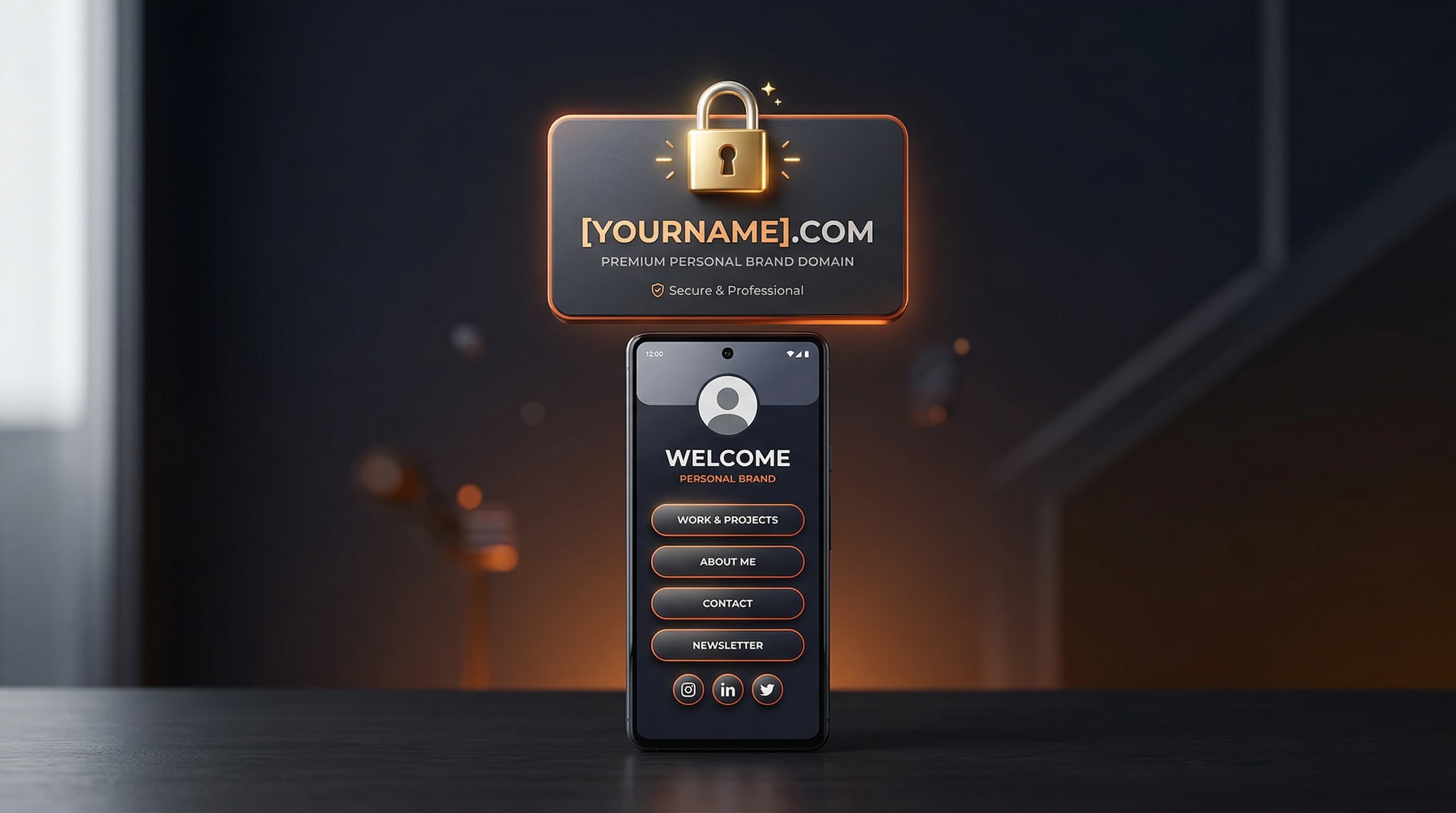
A custom domain link page means your audience visits yourname.com instead of a third-party URL like linktree.ee/yourname. This single change signals professionalism, reinforces your personal brand in every bio you post, and gives you full ownership of the URL — so no platform decision ever breaks your links. For serious creators and businesses, a custom domain is not optional.
What Is a Custom Domain for Your Link-in-Bio?
A standard link-in-bio URL looks like platform.com/yourname. A custom domain link page replaces that with a domain you own and control — for example, yourname.com, links.yourbrand.com, or yourname.bio. The underlying link-in-bio tool still powers the page, but the address in the browser (and in every social media bio you publish) reflects your own brand rather than the tool's brand.
This distinction matters more than most creators initially appreciate. Every time someone sees your bio link, they see either your brand or someone else's. After publishing that URL across Instagram, TikTok, YouTube, Twitter, and anywhere else you have a presence, the cumulative brand impression is enormous. A custom domain link page ensures that impression is always yours.
5 Reasons a Custom Domain Link Page Is Worth It
1. Brand Ownership and Trust
When a potential sponsor, partner, or new follower sees yourname.com in your bio, it reads as a professional, established presence. Research consistently shows that branded URLs receive higher click-through rates than generic platform URLs because audiences trust familiar brand names. A creator selling coaching, merchandise, or digital products benefits directly from that trust signal.
2. SEO Authority Flows to Your Domain
Every social media profile that links to yourname.com is sending a backlink signal to your domain. Over time, those signals accumulate as domain authority that can help any content you publish at that domain rank better in search. When those links point to linktree.ee/yourname instead, the SEO benefit flows to Linktree's domain — not yours. For creators who also run a blog or website, keeping all link equity under one domain is a meaningful long-term SEO advantage.
3. Platform Independence
Link-in-bio tools come and go. If a platform changes its pricing, shuts down a feature, or closes entirely, a custom domain lets you point the same URL to a different tool without changing a single bio across your social accounts. Your audience keeps clicking the same link. This portability is the most underrated benefit of owning your URL.
4. No Third-Party Branding on Your Page
Many link-in-bio tools display their own branding — a footer badge, a "Powered by" attribution, or a watermark — on free-tier profiles. A custom domain does not eliminate this automatically, but when paired with a Pro plan that removes platform branding (as Viopage does), the result is a completely clean profile page that presents only your content and identity.
5. Memorable, Shareable Links
yourname.com is easier to remember, easier to say aloud in a podcast or video, and easier to print on merchandise or business cards than any platform-generated URL. The cognitive load of sharing your link drops significantly when the URL is intuitive and brand-native.
Why Most Platforms Gate Custom Domains Behind Expensive Tiers
Custom domain support is a premium feature on most link-in-bio platforms because it requires more infrastructure — SSL certificate provisioning, DNS validation, subdomain routing — and because it is a high-value feature that users are willing to pay to unlock. Linktree, for example, gates custom domain support behind its higher-paid plan tiers, which can cost significantly more than its base paid option. This means creators often pay for an entire feature tier just to get one specific capability.
Viopage takes a different approach. Custom domain support is included in the standard Pro subscription at €9/month (or €7/month billed annually) — no add-on fee, no separate enterprise tier required. Every Pro user can connect their own domain from the account settings without touching a higher pricing level.
I spent six months pointing my bio to linktree.ee/mybrand before I realized all those backlinks were building Linktree's domain authority, not mine. Switching to a custom domain on Viopage took 20 minutes and I wish I had done it on day one.
How to Set Up a Custom Domain Link Page on Viopage
Setting up a custom domain requires two things: a domain name you own (purchased from any registrar — Namecheap, Google Domains, GoDaddy, Porkbun, etc.) and a Viopage Pro subscription. The technical steps involve adding a DNS record at your registrar that points your domain to Viopage's servers. Here is the full process:
- Purchase a domain from any domain registrar if you do not already own one. A .com or .bio domain typically costs $10–$15 per year.
- Sign up for Viopage Pro or start your 7-day free trial at viopage.com/register.
- Complete your profile setup — add links, choose a theme, and customize your design.
- Navigate to your Viopage account settings and find the Custom Domain section.
- Enter the domain or subdomain you want to use (e.g., yourname.com or links.yourname.com).
- Copy the CNAME or A record values that Viopage provides in the setup wizard.
- Log into your domain registrar's DNS management panel and add the provided DNS record.
- Return to your Viopage settings and click Verify Domain. DNS propagation can take a few minutes to up to 48 hours, though it is usually under one hour.
- Once verified, your profile is live at your custom domain with automatic HTTPS via SSL.
- Update your social media bios to use the new custom domain URL.
Choosing Between a Root Domain and a Subdomain
If you already have a website at yourname.com, connecting a subdomain like links.yourname.com is the cleaner option — it keeps your main site's DNS untouched while creating a dedicated destination for your social traffic. If the domain is used exclusively for your link-in-bio page, pointing the root domain directly is the most memorable and brand-coherent choice.
What Happens to Your Old Viopage URL?
After you connect a custom domain, your original viopage.com/yourname URL continues to work and automatically redirects visitors to your custom domain. This means any existing links in old social posts or external sites will still resolve correctly — no broken links, no lost traffic.
Ready to own your link-in-bio URL? Start a 7-day Viopage Pro trial — custom domain support, 12 premium themes, advanced analytics, and QR codes all included from day one.
Start free trialChoosing the Right Domain Name for Your Link Page
If you do not already own a domain, here are the principles for choosing one that works well as a custom domain link page:
- Use your creator name or brand name as the primary identifier — consistency across platforms reduces friction.
- A .com is still the most universally recognized and trusted extension. A .bio domain is an excellent alternative that signals the page's purpose immediately.
- Keep it short. The domain will appear in your Instagram and TikTok bio, where character space is limited and readability matters.
- Avoid hyphens and numbers — they create confusion when a URL is spoken aloud or remembered from memory.
- Check social handle availability at the same time, so your username and domain are consistent across every platform.
Custom Domain vs. Branded Short Link: What Is the Difference?
A branded short link (like yourbrand.link/go) is a shortened URL that redirects to another destination — typically used for campaign tracking. A custom domain link page is the actual destination: the full page your audience lands on when they click your bio link. These are complementary tools, not interchangeable ones. Your custom domain link page is your hub; branded short links are the roads leading to it.
The Long-Term Value of Owning Your Link
Creators who build long-term audiences think in years, not months. A custom domain link page is a years-long investment: every day your domain is live and receiving traffic, it accumulates SEO history, audience familiarity, and brand recognition that compounds over time. The cost — roughly $10–$15 per year for a domain plus €9/month for Viopage Pro — is one of the highest-ROI infrastructure decisions a creator can make.
The alternative is building that same history on a platform's subdomain, which you can never own and which could be taken away or devalued by any platform decision outside your control. For creators serious about their long-term digital presence, owning the URL is not a luxury — it is a foundation.
Set up your custom domain link page today with Viopage. Your 7-day free trial includes full custom domain support — no extra tier required.
Claim your custom domainPerguntas Frequentes
Posts Relacionados
How to Build a Professional Bio Link Page (No Coding Required)
Step-by-step guide to building a professional bio link page with Viopage. No coding needed — go from signup to a live, branded page in under 10 minutes.
STRATEGYHow to Create a Creator Profile Page That Converts
Optimize your creator profile page with proven tips on link order, theme selection, CTA placement, and social proof. Turn bio visitors into clicks and customers.
GUIDEWhat Is a Link-in-Bio Tool? The Complete Guide for Creators
Everything creators need to know about link-in-bio tools: what they are, why you need one, and how to choose the right bio link page builder.
Comece a criar seu link na bio hoje
Junte-se a mais de 60.000 criadores que confiam no Viopage. Teste gratis de 7 dias.
Iniciar teste gratis